Proxmox - GPU for VMs
Keep Graphics Card only for VM and not for Proxmox:
-
Navigate to Bios (F12)
-
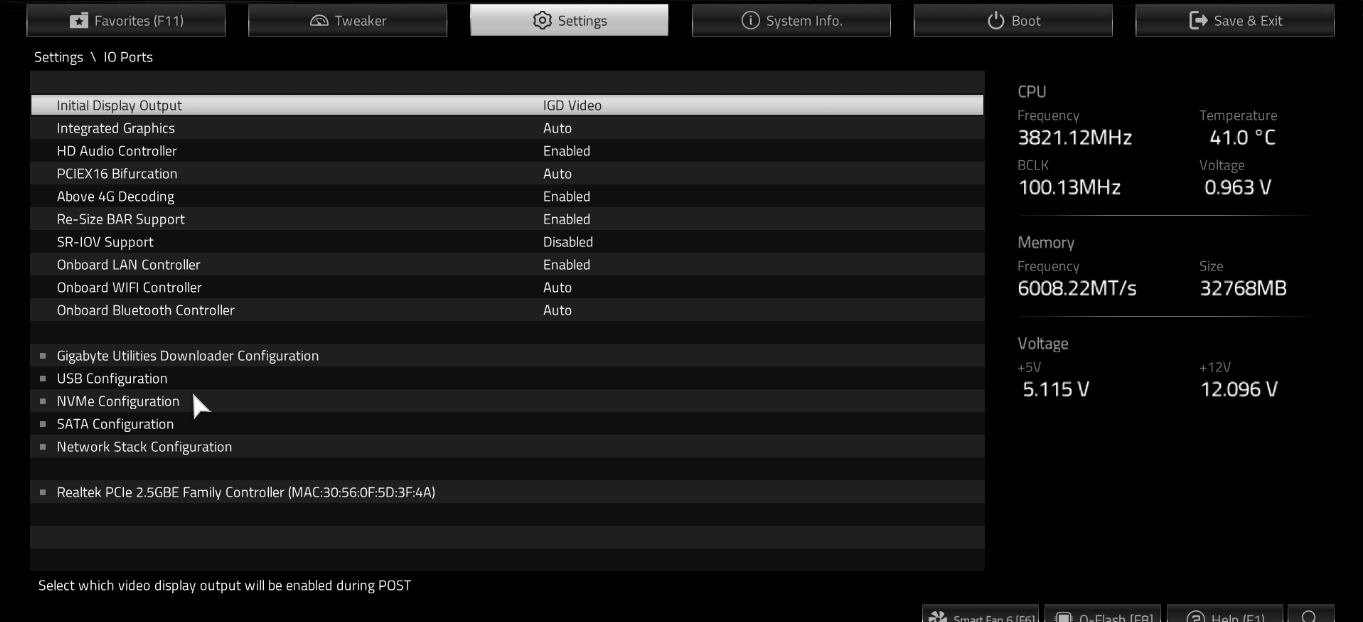
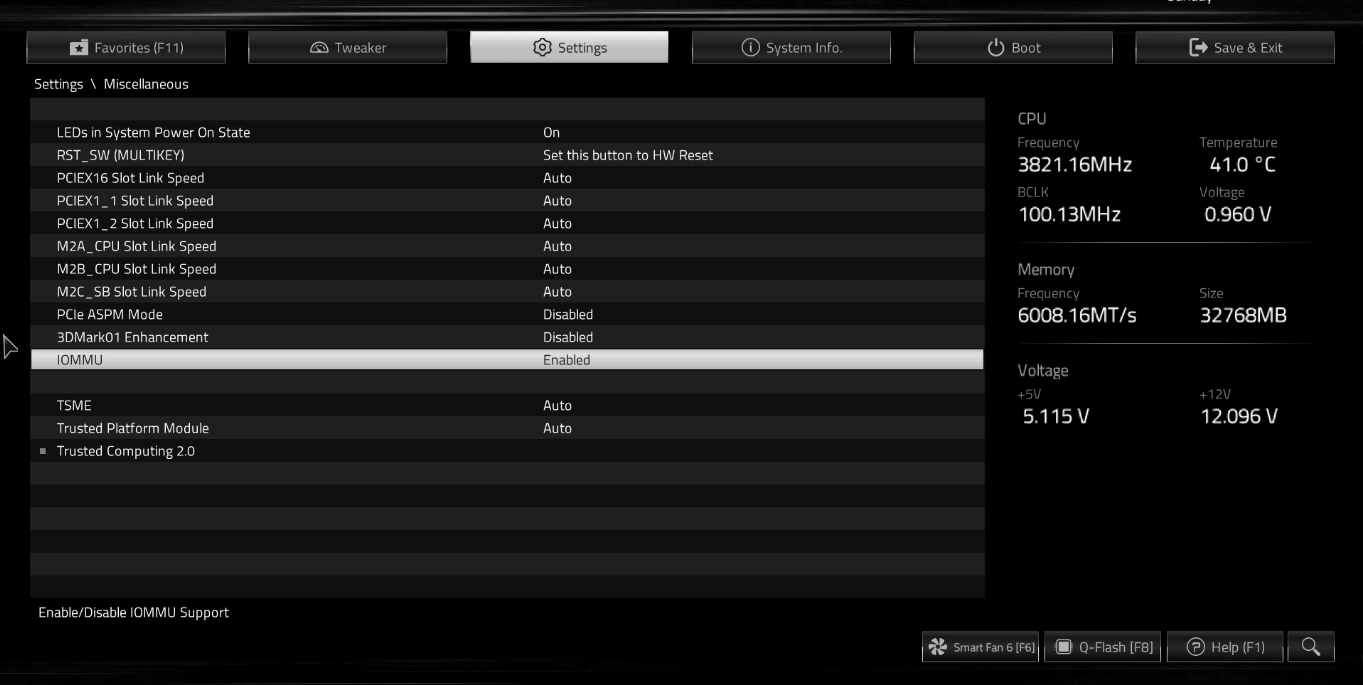
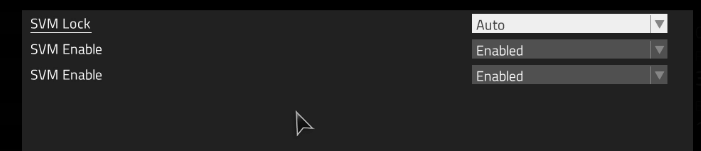
Enable IOMMU, SVM Mode and change Initial Display Output to Integrated Graphics:
- Start Proxmox > Shell and open Grub configurations:
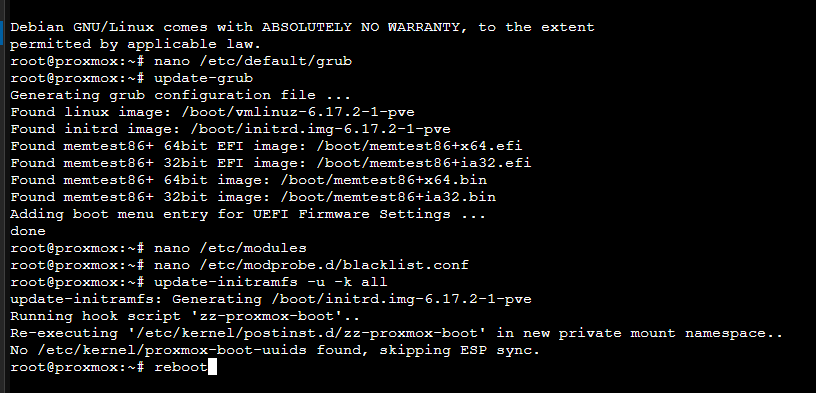
nano /etc/default/grub
- Find the line GRUB_CMDLINE_LINUX_DEFAULT. Change it to exactly this:
GRUB_CMDLINE_LINUX_DEFAULT=“quiet amd_iommu=on iommu=pt”
(Press Ctrl+O, Enter to save, then Ctrl+X to exit).
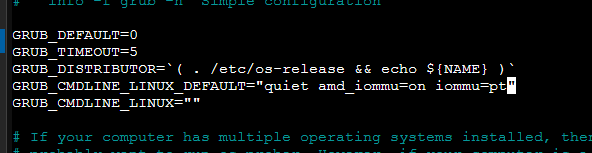
- Apply the changes:
update-grub
- Open the modules file:
nano /etc/modules
- Paste these four lines at the bottom:
vfio
vfio_iommu_type1
vfio_pci
vfio_virqfd
(Press Ctrl+O, Enter to save, then Ctrl+X to exit).
- Create a blacklist file:
nano /etc/modprobe.d/blacklist.conf
- Paste these lines to tell Proxmox “Don’t touch the GPU”:
blacklist nouveau
blacklist nvidia*
(Press Ctrl+O, Enter to save, then Ctrl+X to exit).
- Run this command and then reboot the server:
update-initramfs -u -k all
reboot